Most content briefs are a keyword, a suggested word count, and maybe a list of competitors to "look at." That's not a brief — that's a guess. A brief that reliably gets articles to page 1 contains seven specific components. Here's what they are and why each one matters.
Why most briefs fail
The brief exists to answer one question before the writer starts: what does Google want to see on this page? Not what you want to say. Not what your product does. What does the top-ranking content for this keyword actually cover?
A brief built without looking at the top 3–5 results is a brief built blind. You're writing what you think the searcher wants. Google's ranking signal is what millions of people have clicked on and not bounced from. Those are different things.
The 7 components of a brief that works
1. Target keyword and search intent
The keyword itself — in its exact form, not a paraphrase. Then: what is the searcher's intent? Informational (they want to learn), transactional (they want to buy), navigational (they want to find a specific tool), or commercial investigation (they're comparing options before deciding)?
Intent determines structure. An informational article should answer a question completely. A commercial investigation article should compare options fairly and let the reader conclude. Mix them up and you'll rank for the wrong query, or not at all.
2. Semantic keywords
The 8–12 related terms Google associates with your target keyword. You can find these in Google's "People also ask" section, in the autocomplete suggestions for your keyword, and in the subheadings of top-ranking articles.
Semantic keywords aren't just variations to stuff in for SEO. They're the signal of topical depth. An article about "invoice generator" that also naturally covers "recurring billing," "payment terms," and "PDF export" reads to Google as a complete resource, not a thin page targeting a single phrase.
3. Required sections
A list of H2 headings based on what the top 3 results actually cover. This isn't about copying — it's about understanding what questions the searcher has that need answering. If all 5 top results have a section called "How to choose the right plan," that section is load-bearing. Skip it and you're handing that intent to your competitors.
Beyond required sections, the brief should call out one section your competitors don't have — your unique angle. That's the edge that gets you into the top 3 instead of settling for #7.
4. Article structure rules
Not every article is the same format. Some keywords call for a listicle (7 steps, 5 tools). Others call for a narrative guide. Others are comparison articles with a clear table. The brief should specify:
- Format type
- Approximate section length (not a total word count — per-section guidance)
- Which sections need examples, data, or screenshots
A 1,200-word article with 4 well-developed sections outperforms a 2,400-word article with 8 thin ones every time.
5. H1 and meta description
Not a suggestion — an actual draft of each. The H1 should contain the target keyword, be under 65 characters, and describe exactly what the article delivers. The meta description should contain the keyword and include a specific benefit or concrete hook in under 155 characters.
These aren't just for SEO. They're what the person sees in the search results before clicking. A vague title loses clicks to a specific one even if both rank identically.
6. Schema markup type
For most informational articles, you want Article schema. If the article answers a specific question, add FAQ schema with 3–5 Q&A pairs. If it's a how-to guide with steps, use HowTo schema. Schema doesn't guarantee a rich result, but it's free structured data that sometimes gets you an expanded listing.
If you're targeting a "how to" keyword, the most common informational query — HowTo schema is almost always worth adding.
7. Internal linking targets
Two or three of your own pages that are relevant to this article's topic. Internal links help Google understand your site's structure. They also keep readers on your site longer by surfacing related content. The brief should name specific pages to link to and suggest the anchor text, not "click here" but the actual keyword phrase that describes the destination. (For how to do this well across a whole blog, see our 20-minute internal-linking system.)
From brief to draft: what the writer actually needs
Give the writer the brief before they've written a word, not during revision. The brief is research. The draft is execution. If a writer has to stop mid-draft to figure out what sections to include, the brief failed.
The best briefs are 1–2 pages. Long enough to specify everything above. Short enough that a writer can read it in 5 minutes and start writing immediately.
The AI shortcut that works
AI can write articles faster than any human. But AI without a brief produces generic content that sounds good and ranks for nothing. It doesn't know your target keyword, the search intent, the semantic terms, or the sections competitors are covering.
The combination that works: a brief built from real keyword data and SERP analysis, fed to an AI model with strict writing rules. The output is an article with the right structure, the right keywords, and enough specificity to rank — edited by a human for voice before publishing.
That's the exact workflow WriteGap uses. Pull the keyword gap → build the brief from DataForSEO + GSC data → generate the draft with Claude using structured rules that prevent the generic AI patterns. The result isn't a perfect article. It's a 70% complete draft that takes 20 minutes to edit, not 4 hours to write from scratch.
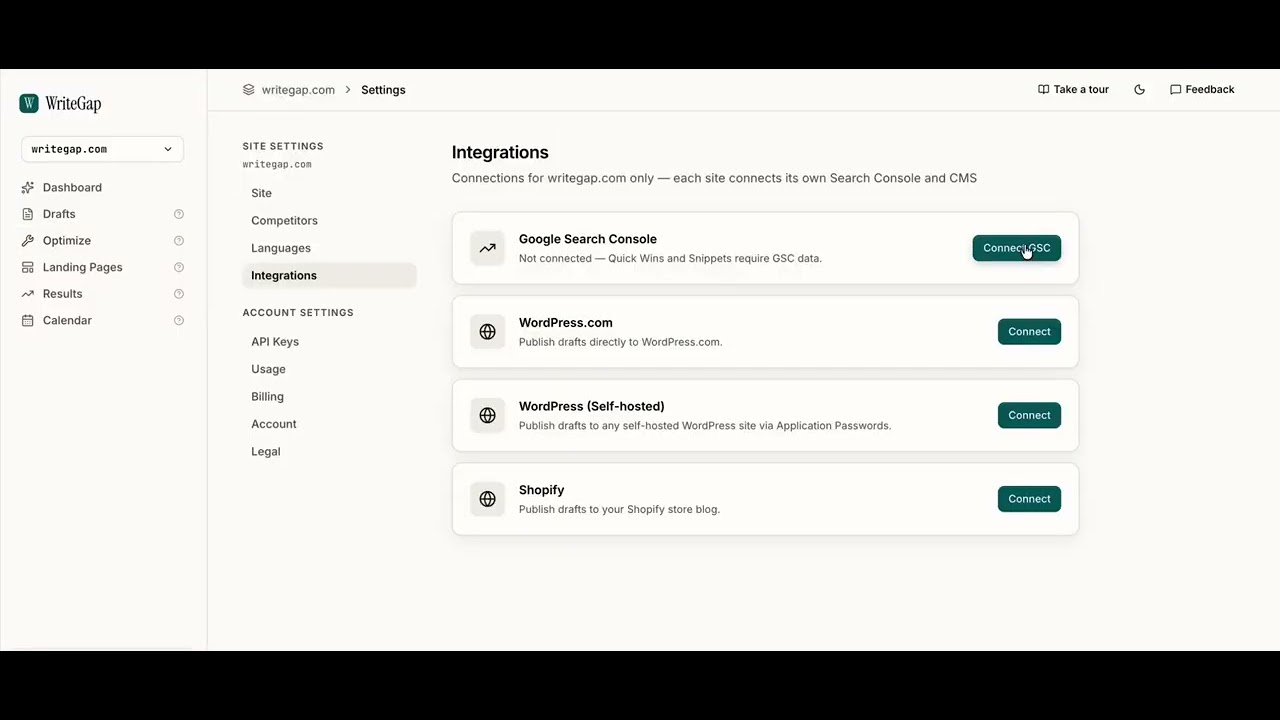
Watch the walkthrough above: pulling the gap, building the brief, and generating the draft in one pass.
A good brief is the most valuable thing you can create before writing any content. It's the difference between an article that drifts into vague generalities and one that answers exactly what the searcher came to find.